
Our residential proxies give you IPs from real home connections around the world. You can target by country, state, city, ASN and operating system, keep the same IP with sessions, and send UDP over SOCKS5.
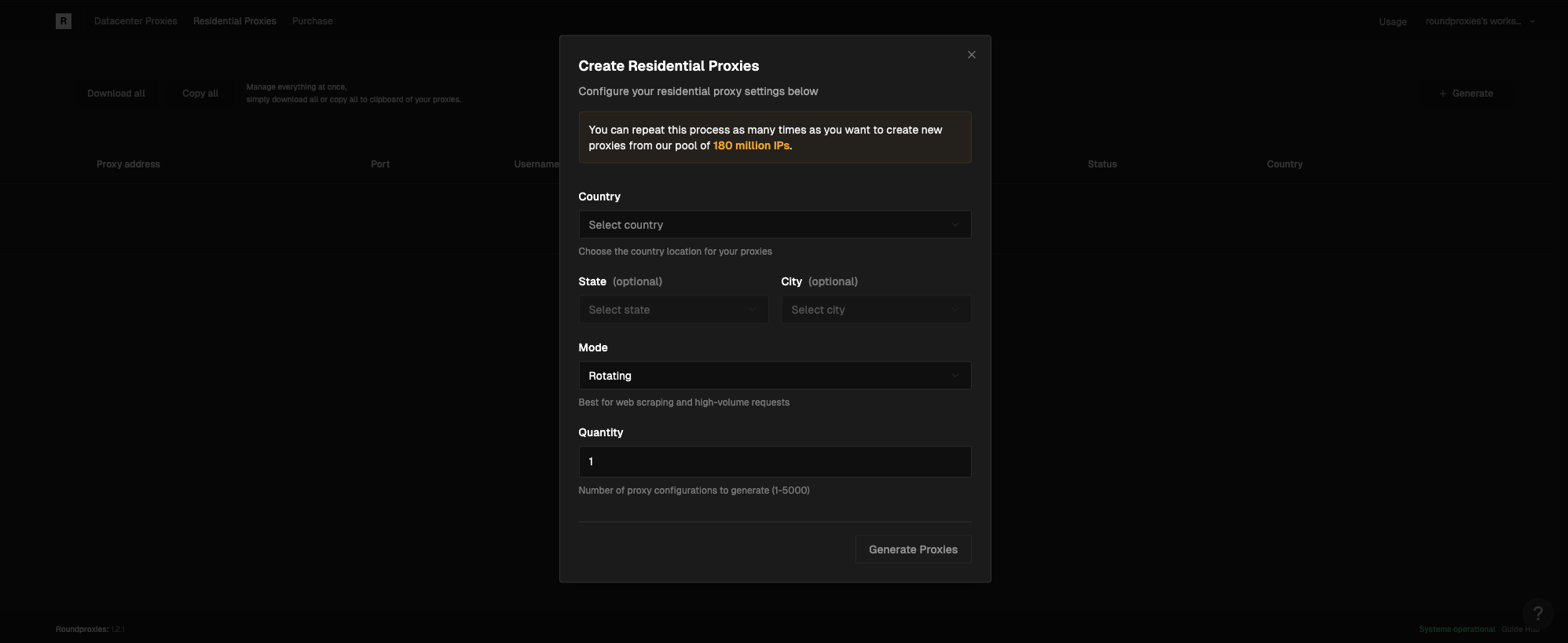
Proxy Format
Location Targeting
Onlycountry is required. State and city are optional. The narrower the location, the fewer IPs are available.
Country
string
required
Name of the country you want to target.
country-UnitedStates, country-Israel, country-Hungary.
State or Region
string
State or region inside the selected country.
state-northerndistrict(Israel)state-pestcounty(Hungary)state-california(United States)state-newyork(United States)
City
string
City inside the selected state.
city-maghar(Israel)city-god(Hungary)city-losangeles(United States)city-newyork(United States)
Location Fallback
string
true to use another location in the same country when the exact state, city or ASN has no available IP.PX1002. Add fallback-true to get another IP in the same country instead:
Operating System
string
Operating system of the exit device:
windows, mac, linux, android or ios.os-windows, os-android, country-UnitedStates-os-ios.
See OS-Targeting.
Protocols
HTTP and HTTPS use port5000. SOCKS5 uses port 5002 for sticky sessions and 5001 for rotating IPs. The username and password are the same on every port.
UDP
string
true to route the session over the UDP-capable path. SOCKS5 only.udp-true to your username: